
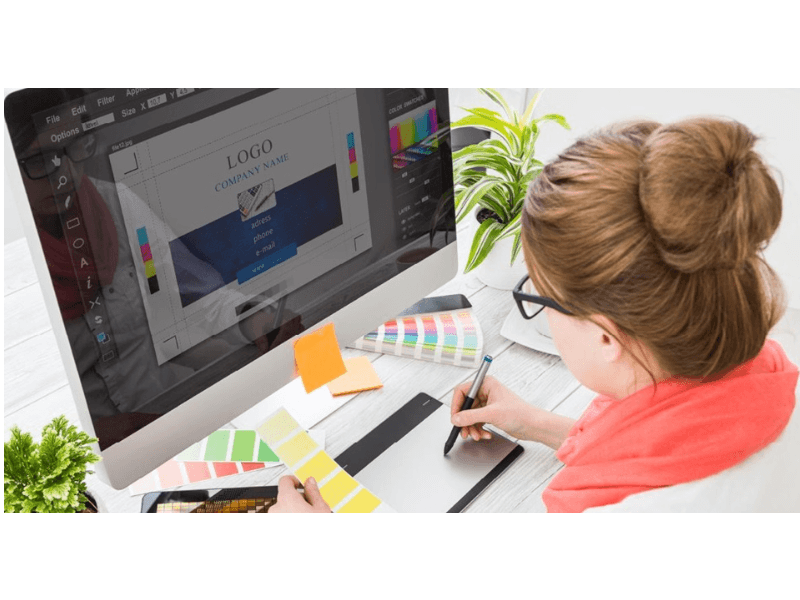

When professionals in the visual arts industry need to share their portfolios, proofs, or client mockups, convert JPG to PDF remains a vital everyday task. Unlike raster image formats that can lose fidelity or appear differently across various devices, the Portable Document Format ensures consistent layout rendering, secure file sharing, and professional presentation. Whether preparing multi-page lookbooks or high-resolution print layouts, knowing how to properly transition static image assets into structured document files is an essential skill for modern creators.
Table of Contents
Why Designers Convert JPG to PDF
Graphic design relies heavily on precision, color management, and visual fidelity. While JPG files are exceptional for web display and quick sharing, they present distinct limitations in professional workflows. Raster images lack multi-page capabilities, offer minimal control over physical printing dimensions without dedicated software, and can easily be altered or compromised.
By choosing to convert JPG to PDF, creators establish a reliable standard. The format locks in typography, vector elements if embedded, and precise scaling parameters. Furthermore, clients prefer receiving compiled PDF proofs because they can view an entire multi-concept presentation inside a single, cohesive file rather than sorting through dozens of individual image attachments.
Common Use Cases in the Industry
Designers encounter numerous scenarios requiring document compilation:
- Client proofing and approval galleries
- Digital brand guidelines and style guides
- Portfolio submissions for agencies or freelance gigs
- Print-ready documentation for commercial printing presses
Native Operating System Methods
One of the most efficient ways to handle file transformations is by utilizing built-in operating system features. This approach eliminates the need for third-party software subscriptions or uploading sensitive client files to unverified web utilities.
macOS Preview and Finder Actions
Apple users enjoy robust native capabilities. By selecting multiple JPG assets in Finder, users can quickly right-click, navigate to quick actions, and generate a unified document instantly. Alternatively, opening a single image in Preview allows designers to insert subsequent pages via the drag-and-drop sidebar or export directly as a multi-page document.
Windows Print to PDF Functionality
Windows operating systems offer a straightforward workaround through the native print menu. By selecting a group of graphic files, right-clicking, and choosing the print option, users can select the Microsoft Print to PDF driver. This method automatically scales images to fit standard paper sizes, making it ideal for quick proof generation.
Professional Software Workflows
Industry-standard applications provide the highest degree of control over color profiles, resolution, and compression settings. Professionals rarely rely on basic conversion tools when working on high-stakes commercial projects.
Adobe Creative Cloud Integration
Adobe Photoshop, Illustrator, and InDesign offer advanced export engines. In Adobe Acrobat, users can easily combine multiple files into a single optimized document. Designers often place raster images inside Adobe InDesign to control pagination, add typography notes, and export a polished presentation deck with precise CMYK color profiles.

Professional design environments require robust file management and precise export controls.
Online Tools and Browser Extensions
When working remotely or handling quick turnarounds, web-based utilities provide rapid solutions. These cloud platforms allow users to drag and drop multiple image files and download a compiled document within seconds.
Security and Privacy Considerations
While convenient, cloud-based tools require caution. Designers handling proprietary brand assets or unreleased commercial artwork must review privacy policies to ensure uploaded files are automatically deleted from external servers after processing.
Best Practices for Quality Management
Maintaining visual integrity throughout the transformation process is crucial. Poor compression can introduce artifacts, muddy color gradients, and ruin carefully crafted typography.
| Method | Pros | Cons |
|---|---|---|
| Native OS Tools | Fast, free, no installation required | Limited color management settings |
| Professional Suite | Absolute control over DPI, color, layout | Requires paid software subscription |
| Online Converters | Accessible on any device | Privacy risks, internet dependent |
Conclusion
Mastering how to convert JPG to PDF empowers creative professionals to present their work securely and efficiently. By balancing the speed of native operating system features with the robust capabilities of professional design software, artists can ensure their visual assets always look their absolute best, regardless of how or where they are viewed.